
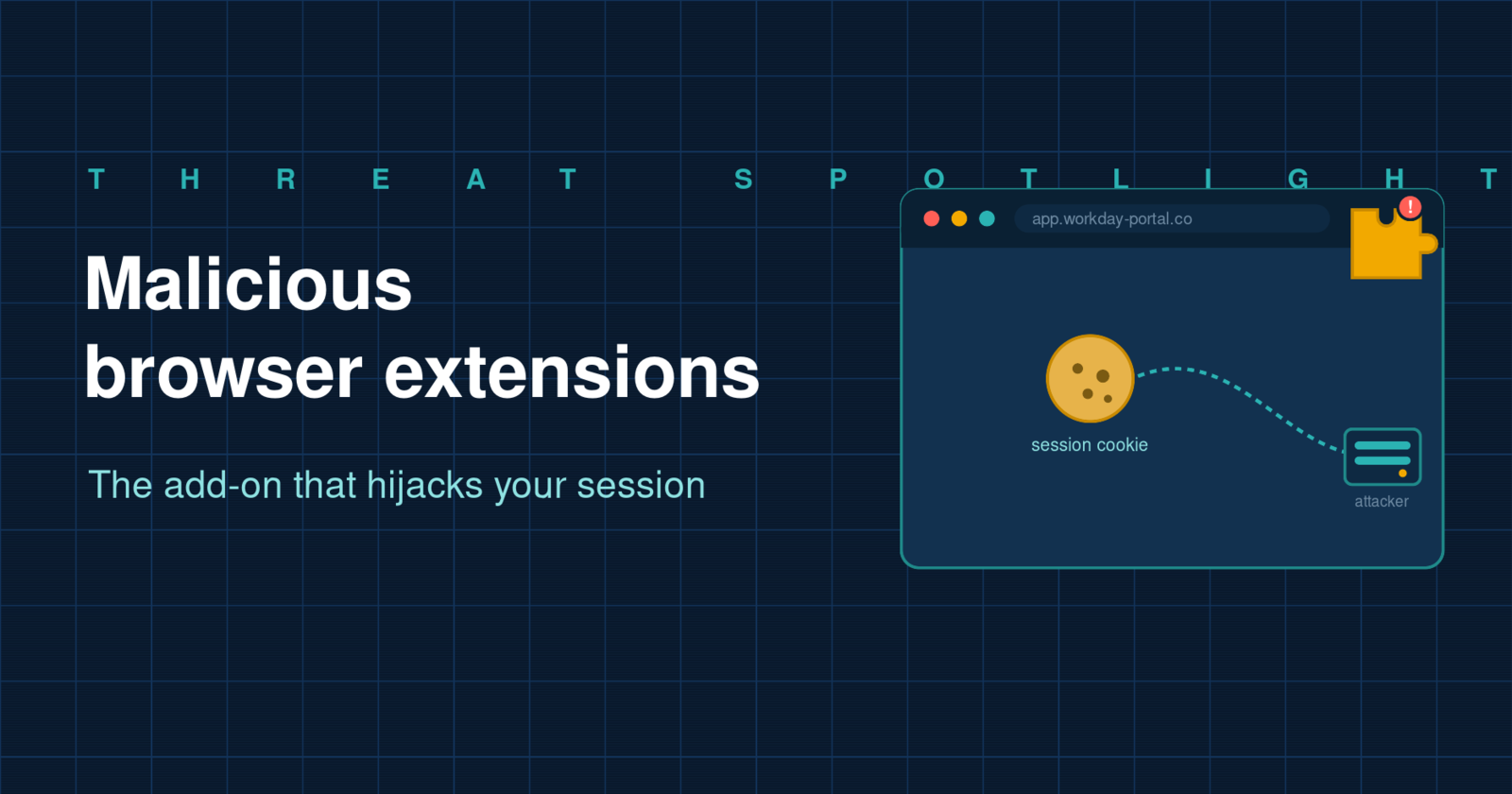
Malicious Browser Extensions: The Add-On That Hijacks Your Session
We have trained ourselves to hesitate over a strange email or an odd login page. The little add-ons clipped onto our browsers get none of that suspicion. That gap is exactly what attackers spent the early part of 2026 exploiting, shipping malicious browser extensions that read the cookies keeping you logged in and quietly hand your accounts to someone else. No password is stolen, because none is needed.
In brief: a malicious extension asks for broad permissions, then reads the session cookies and tokens your browser holds for sites you are already signed into. It sends them to the attacker, who loads them to become you, often sailing past multi-factor authentication because the session is already authenticated. The way to blunt it is to control which extensions can run and to make a stolen session worth as little as possible.
Why an extension is such a powerful foothold
A browser extension is not a harmless bit of decoration. Once it is installed and you approve its permissions, it can read and alter the pages you visit, watch what you type, and reach the cookies that tell a website you are logged in. Most people wave those permissions through, because a request to "read and change all your data on the websites you visit" has become background noise, the digital equivalent of scrolling past terms and conditions. That one click seats a stranger inside your browser, right next to everything you are signed into: your mailbox, the finance system, the HR platform, the customer records.
Crucially, the extension operates as you, inside your already-authenticated browser. It does not have to defeat a login screen or guess a password. It simply helps itself to the proof that you have already logged in.
What the 2026 campaigns actually did
This moved from theory to a live problem quickly. In January 2026, researchers uncovered a cluster of Chrome extensions dressed up as productivity or access-management helpers for major enterprise platforms, including Workday, NetSuite and SAP SuccessFactors. They were installed more than two thousand times across businesses before being pulled. Weeks earlier, a separate sweep found dozens of extensions that had lifted credentials from a quarter of a million users. This is not a one-off; it is a technique gaining momentum because it pays.
The enterprise campaign stood out for how methodical it was. The extensions did three distinct things. They copied session cookies out to a server the attacker controlled. They injected stolen cookies back into the browser to take over a live session directly. And, most telling of all, they quietly blocked the browser from opening the administrative pages a security team would use to notice or undo the compromise. An attack that disables the smoke detector while it lights the fire is not the work of amateurs.
How a malicious extension hijacks a session
From the outside, none of the steps look alarming. That is rather the point.
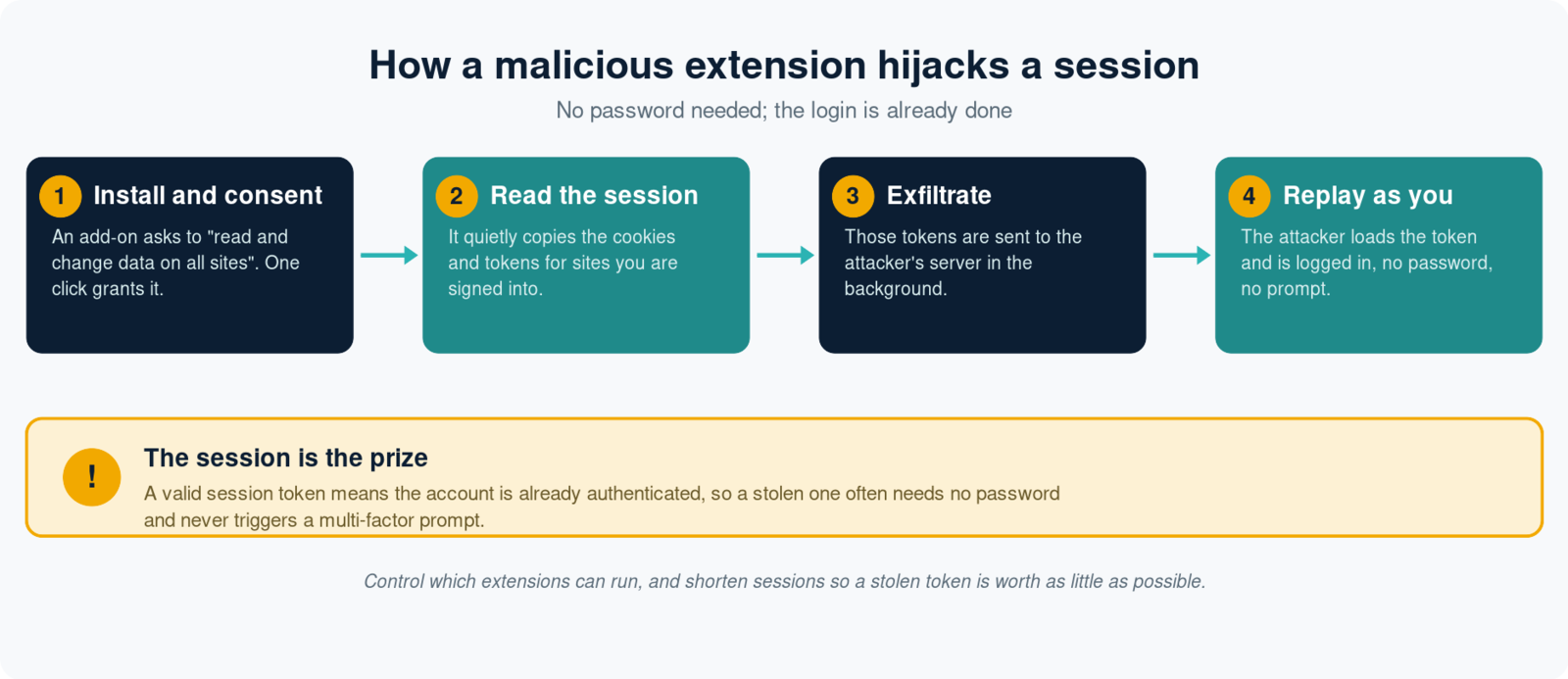
- Install and consent. The victim adds an extension that looks useful and grants it broad permissions with a single click.
- Read the session. The extension quietly copies the cookies and session tokens for whatever sites the user is currently signed into.
- Exfiltrate. Those tokens are sent to the attacker's server in the background, with nothing visible on screen.
- Replay as the user. The attacker loads the token into their own browser and is logged in as the victim, with no password prompt and, very often, no multi-factor challenge.
Why a stolen session slips past MFA
Multi-factor authentication does its work at the moment of login. Once you have signed in and cleared that check, the service issues a session token, a small credential that says "this person is already verified, do not keep asking". A malicious extension does not attack the login at all; it waits until you are safely through it and takes the token instead. Whoever holds that token inherits the authenticated session, which is why an attacker can act as you without ever seeing your password or triggering a prompt on your phone. It is the same reason adversary-in-the-middle phishing is so effective: the session, not the password, is the real prize.
How the bad ones reach your browser
Malicious extensions arrive by several routes. Some are published to official stores under a convincing name and description, pass review, and only turn hostile later, sometimes through an update pushed long after installation. Some impersonate a legitimate tool a business already uses. Others are side-loaded after a user is talked into it, or ride in on a previously trusted extension whose developer account has been compromised or bought. The common thread is trust: an extension inherits the confidence we place in the store it came from and the brand it imitates.
How to defend against it
Control which extensions can run
The most effective control is to stop treating extension installation as a free-for-all on managed devices. Use browser management policy to allow only reviewed, approved extensions and block everything else. If users cannot install an arbitrary add-on, most of this threat disappears at the source.
Audit what is already installed
Extensions accumulate quietly. Review what is present across your estate, remove anything unnecessary or unrecognised, and pay close attention to add-ons requesting broad access to all sites that they have no obvious need for. Because a good extension can turn bad in an update, this is a recurring task rather than a one-off.
Shrink the value of a stolen session
Since the token is the target, limit what a stolen one is worth. Shorter session lifetimes, re-authentication for sensitive actions, and, where your identity platform supports it, binding a session to a specific device all mean a copied token expires quickly or simply fails elsewhere. Phishing-resistant methods such as passkeys protect the login itself, and least-privilege access limits how much any single hijacked session can reach.
Watch for the session behaving oddly
Because the credentials are valid, detection depends on behaviour rather than malware signatures: the same account signed in from a new device or country, impossible travel, or activity at odd hours. Being able to revoke sessions and tokens quickly, not just reset passwords, is what limits the damage once you spot it.
Bring your people into it
Staff choose and install extensions, so they are part of the defence. Teach them that an add-on asking for sweeping access deserves the same pause as a suspicious link, run realistic simulations that broaden that instinct beyond email, and give them an easy way to report a suspicious extension or message. A quick cyber readiness check can show where your browser and identity controls fall short before an attacker finds out for you.
The bottom line
Browser extensions sit in a blind spot: powerful enough to read everything you do, yet trusted far more casually than the emails and login pages we scrutinise. The 2026 campaigns show attackers exploiting exactly that, stealing the session that proves you are logged in and stepping straight past multi-factor authentication. The defence is not exotic. Decide which extensions are allowed to run, keep the list under review, make a stolen session short-lived and low-value, and help your people treat a permission prompt with the caution it deserves. Do that, and the add-on that promised to save a little time stops being a way into everything you are signed into.
Phishing Tackle offers the tools businesses need to strengthen their human risk strategies, with multi-platform testing, real-time behavioural insights, and actionable data to keep your organisation ahead of modern cyber threats.
Contact us today to learn how Phishing Tackle can help safeguard your organisation from the growing array of cyber risks.
